Tasks and work ordersModule
From defect to fixed, with external mechanics too.
Tasks with priority, mechanic and status, linked to a machine, defect or alert. External mechanics mark them done without an account.
From hassle to control.
Without Checkk
- Work orders on paper or in separate emails
- External mechanics who cannot access your system
- Completed repairs that never make it into the maintenance history
With Checkk
- All tasks in one place, per machine and per mechanic
- An email with PDF, QR code and link, without an account
- A completed task automatically becomes a maintenance entry
Features
What this module delivers
Priority, mechanic and status
Every task linked to a machine, defect or alert and assigned to a mechanic.
Visible at the machine
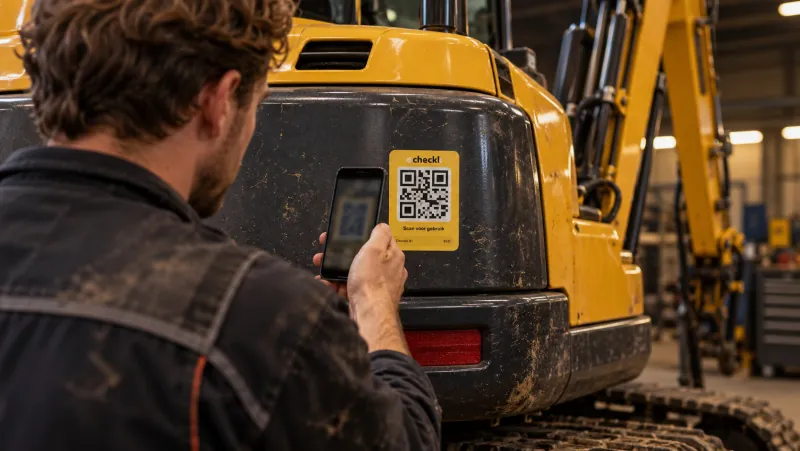
Open tasks appear in the app straight away when someone scans the machine.
External mechanic without an account
An email with PDF, QR code and link. Mark done with notes, parts, times, meter reading and photos.
Automatically to maintenance
A completed task goes into the machine log as a maintenance entry.
Creating a task from a defect, with an external mechanic as recipient.
How it works for the mechanic
Marked done, without logging in.
- 1Open the email or scan the QR code on the machine
- 2Fill in notes, parts, times and meter reading
- 3Mark the task done with one tap
Works together with

Book a meeting with Elroy
Elroy shows you how Checkk works with your machines, your checklists and your projects. You ask your questions to someone who knows the trade.