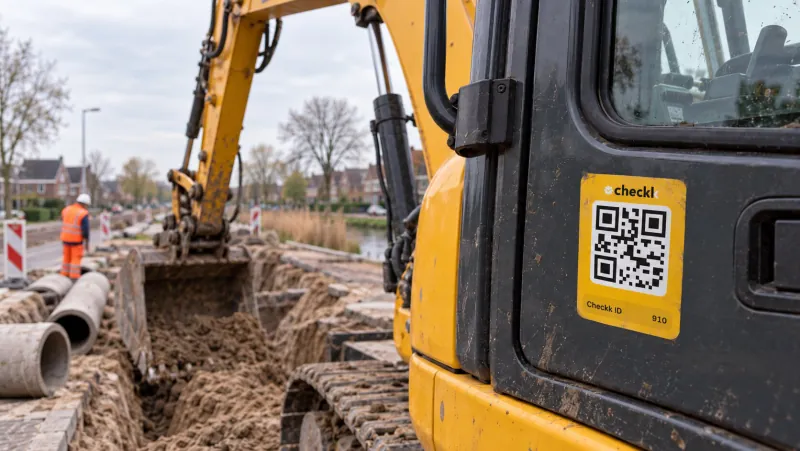
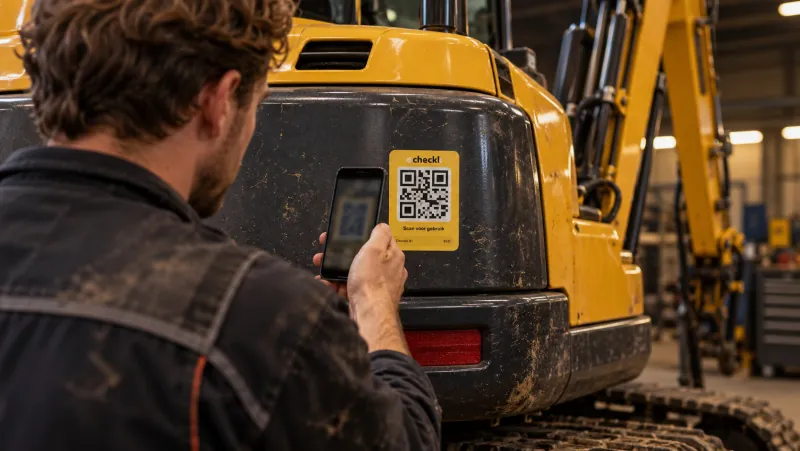
Checklists that operators actually complete.
Your own templates per machine category, smart questions and a required photo for every deviation. Every failed item becomes a defect straight away.
From hassle to control.
- Paper checklists that get lost or are illegible
- Deviations that never reach the office
- One long list for everyone, even when something does not apply
- Complete digitally after scanning, with a log per machine
- An email to the right people as soon as something is not OK
- Guided checklists only show what applies
Everything you need, in the basis
Your own templates
At company level, linked to machine categories and adjustable per machine.
Different question types
Yes, no or n/a, strict yes or no, dropdown, free text and text with photos.
A photo for every deviation
If something is not OK, an explanation and a photo are required. You can also make a photo always required.
Smart, guided checklists
A short question wizard, for example lifting or digging, automatically picks the right checklist.
A defect automatically
Every failed item becomes a defect, traceable to the checklist item.
PDF, status report and export
A PDF per checklist and a status report showing what was done with each item. Export to Excel, filter by period.
Completed in a few minutes.
- 1Scan the machine and choose Checklist
- 2Answer a few questions to get the right list
- 3Mark each item good or not good and submit
Works together with

Book a meeting with Elroy
Elroy shows you how Checkk works with your machines, your checklists and your projects. You ask your questions to someone who knows the trade.