DocumentsModule
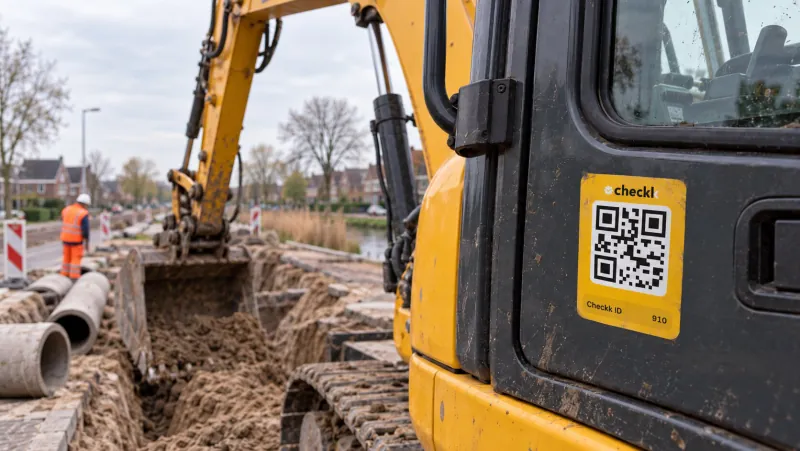
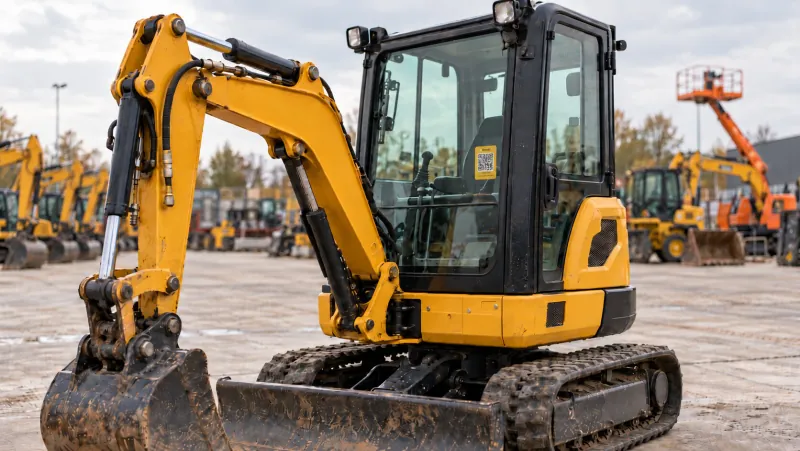
The crane log always with the machine.
Document folders per machine, public after scanning or visible to the office only. With default folders per category.
From hassle to control.
Without Checkk
- Crane log and inspections in a folder at the office
- The user manual missing just when you need it
- Invoices that anyone can see
With Checkk
- All documents digitally with the machine
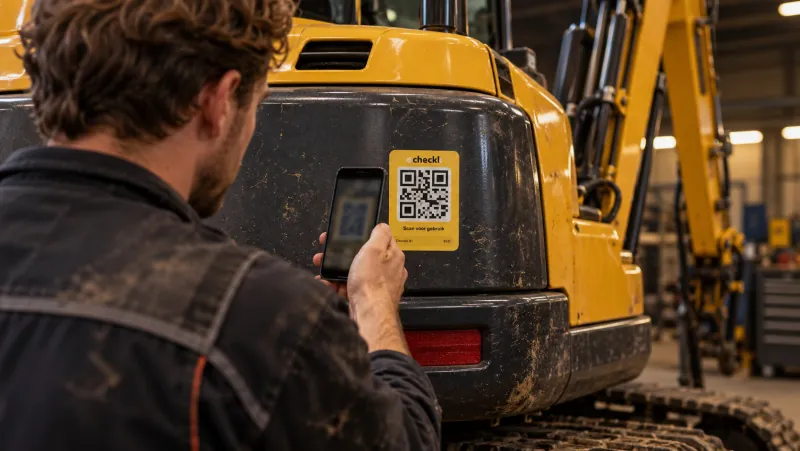
- Public after scanning the QR code
- Protected documents for the office only
Features
What this module delivers
Folders per machine
Crane log, user manual, inspection reports and certificates in one place.
Public or protected
Decide per document whether it is visible after scanning or to the office only.
Default folders per category
A new machine automatically gets the right folders.
Documents are on the machine page, in their own tab.
How it works in the app
The right document in three taps.
- 1Scan the machine and choose Documents
- 2Open the right folder
- 3View the document straight on your phone
Works together with

Book a meeting with Elroy
Elroy shows you how Checkk works with your machines, your checklists and your projects. You ask your questions to someone who knows the trade.