Get a grip on your entire machine fleet.
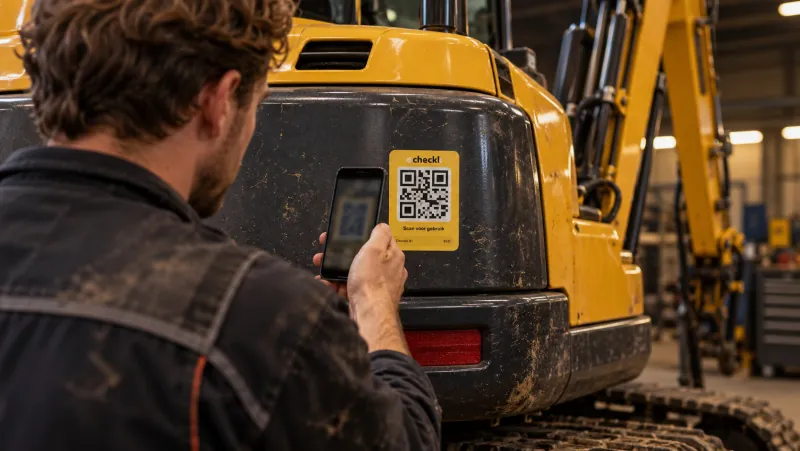
Checklists, inspections, defects, maintenance and planning in one digital logbook. Your operator scans the QR sticker with their own phone and the office sees it straight away.
- No app needed
- No account for the operator
- Works in multiple languages






Made for people who know the trade.
No paperwork or complicated Excel sheets. Just one place where everything about your machines comes together.
Simple and fast
Scan with the phone your operator already has. No app to install, no account to create, fill in straight away.
Real-time insight
Every checklist, every defect and every service is in the dashboard straight away. Per project or across all your projects.
Time and cost savings
Defects automatically become tasks, completed tasks automatically become maintenance. Nobody has to retype anything.
From scan to completed task. Nothing falls through the cracks anymore.
-
01Scan
The operator scans the QR sticker on the machine.
-
02Check
They complete the daily checklist. If something is not OK, an explanation and a photo are required.
-
03Defect
Every failed item automatically becomes a defect, with photo, running hours and location.
-
04Task
In one click the defect becomes a task, with priority and an assigned mechanic.
-
05Execute
The mechanic receives an email with PDF and QR code and marks the task done, without an account.
-
06Maintenance
The completed task goes into the maintenance log and the service counter is reset.
-
07Insight
The status report shows per checklist item what was reported, picked up and completed.
Everything your machine fleet needs, in one platform.
-
In the basis
Machine management and QR codes
A unique QR code for every machine, a complete register and one master list across all projects.
More about machine management -
In the basis
Checklists and inspections
Your own templates per category, smart questions and a photo for every deviation.
More about checklists -
Module
Defects
Reported via the QR code or automatically from a checklist, with photo, running hours and location.
More about defects -
Module
Tasks and work orders
From defect to task in one click. External mechanics mark tasks done too, without an account.
More about tasks -
Module
Maintenance and service
Services on running hours, kilometres or months, with costs per machine.
More about maintenance -
Module
Documents
Crane log, user manual and inspection reports with the machine.
More about documents -
Module
Damage reports and incidents
A complete incident form in the app, with HSE classification.
More about damage reports -
Module
Planning
Schedule machines on projects in a visual timeline, without double bookings.
More about planning -
Module
Dashboard and reports
Map, costs, open defects and upcoming maintenance, per project or across everything.
More about the dashboard -
Module
Projects, users and notifications
Permissions per project, PIN codes per employee and the right email to the right people.
More about projects
Scan, fill in, done.
The operator scans the sticker with the camera of their own phone and sees the right machine straight away. A guided checklist first asks a few questions and then only shows what applies to their work.
- Works on any phone with a camera
- In multiple languages, and easy to extend. Handy with subcontractors and across borders.
- Optionally a 4-digit PIN per employee, so every entry is recorded by name
See at a glance how your machine fleet is doing.
- Map with the last known location of every machine
- Upcoming maintenance on running hours, kilometres or date
- Open defects and open tasks
- Maintenance costs per machine and per month
For everyone responsible for equipment.
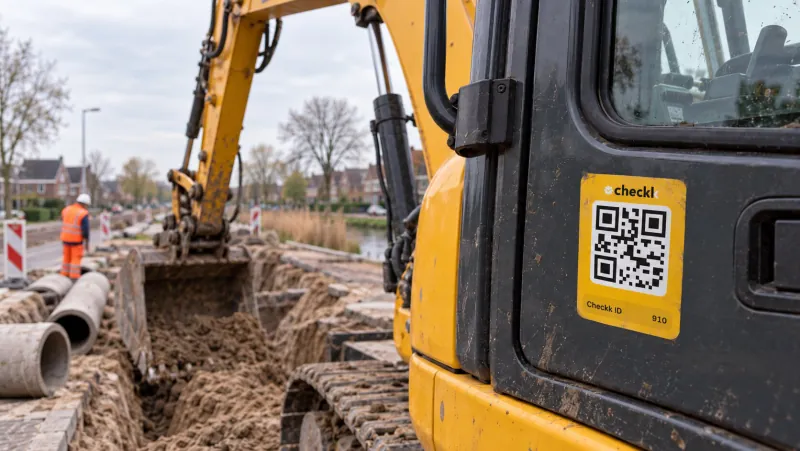
Construction, infrastructure and civil engineering
Equipment spread across many projects, across borders too.
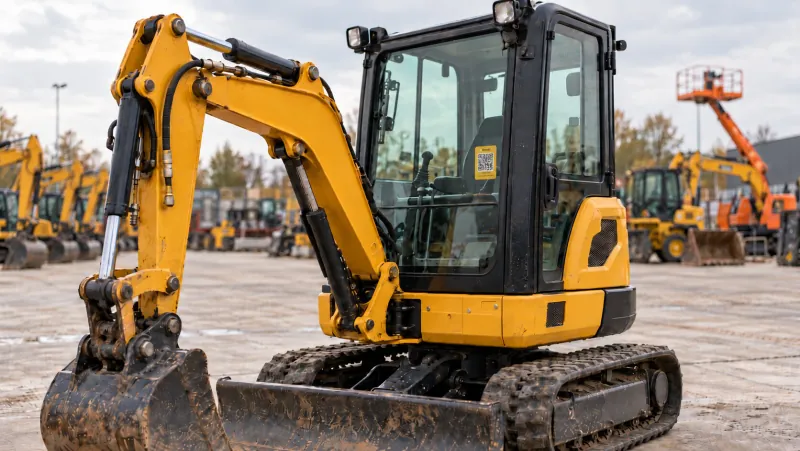
Equipment rental
Proof of condition at hand-out and return, with photos.
Workshop and service
Services on hours or kilometres, with external mechanics too.
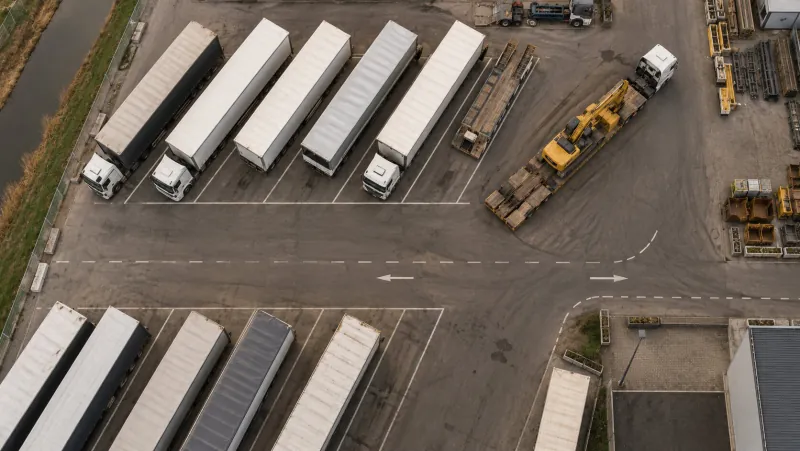
Transport and trailers
Daily checks and defects straight to the workshop.
Frequently asked questions
Is your question not listed? Elroy is happy to help.
All about daily machine inspections
What is Checkk?
Checkk is equipment management software: a digital machine logbook in which you keep checklists, inspections, defects, maintenance and planning per machine. Operators scan the QR sticker on the machine, and the office sees it straight away in the management environment.
Does the operator need an app or an account?
No. The operator scans the QR sticker with the camera of their own phone and the right machine opens straight away in the browser. There is no app to install and no account needed.
What happens to a failed item from the daily inspection?
A failed checklist item automatically becomes a defect, with a photo, running hours and location. The right people get an email with a PDF straight away, and the office turns it into a task for the workshop or an external mechanic in one click.
Which QR labels do you supply?
QR stickers and aluminium plates, also in your own house style. You can have QR codes printed in advance and link them to your machines later.
What does Checkk cost?
Checkk has three packages, Basic, Standard and Premium, from € 150 per month excluding VAT. You add extra users, languages and more assets per package. All prices are on the pricing page.
Which machines and companies is Checkk suitable for?
For any machine fleet: excavators, cranes, wheel loaders, telehandlers, trucks, trailers and other equipment. Checkk is used in construction and infrastructure, equipment rental, workshops and transport.

Book a meeting with Elroy
Elroy shows you how Checkk works with your machines, your checklists and your projects. You ask your questions to someone who knows the trade.