Services on time, on hours or kilometres.
Record maintenance via the QR code, set service intervals on running hours, kilometres or months, and see what each machine costs per month.
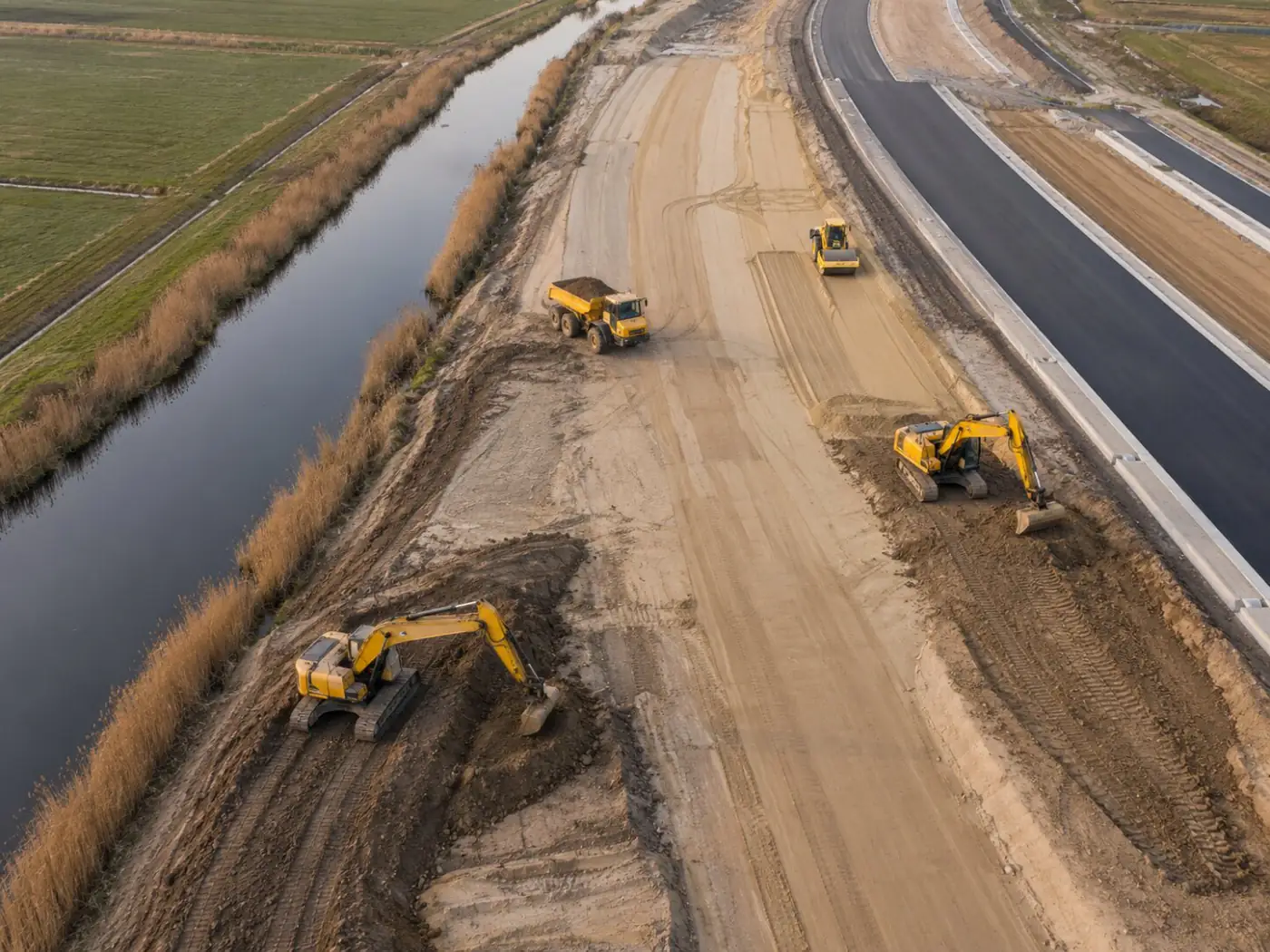
From hassle to control.
- Services noticed too late
- No overview of what has been done to a machine
- Maintenance costs not visible per machine anywhere
- A warning when a service is due, for the operator too
- A complete maintenance log per machine
- Material costs per service, per machine and per month
What this module delivers
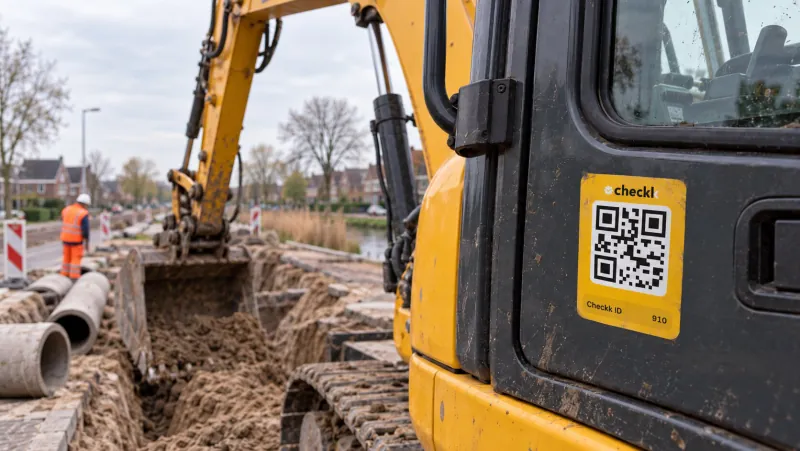
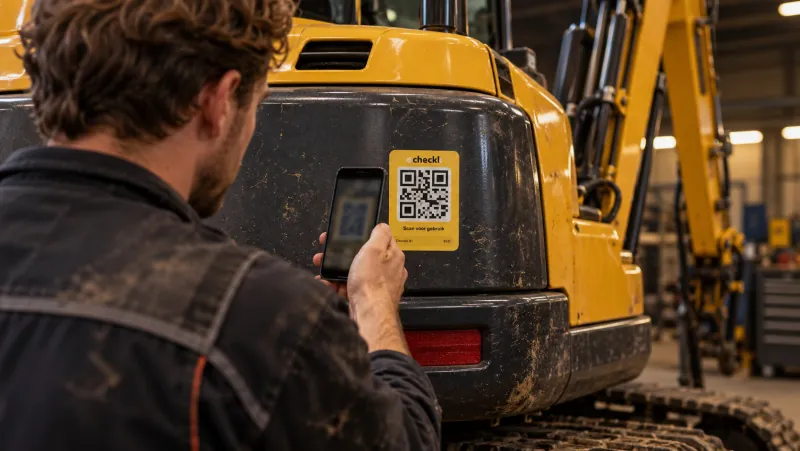
Record via the QR code
Arrival and departure time, work done, parts and consumables, photos.
A, B and C services
Service types in a fixed order. The app shows which service is next.
Service intervals
On running hours or kilometres, with a warning margin: on schedule, service due soon, service required.
Alerts and reminders
Based on months, running hours or kilometres, such as the 500-hour service. An email reminder and optionally a task created automatically.
Costs per machine
Material costs per service, so you see the maintenance costs per machine and per month.
Protected documents
Invoices and other documents per service, visible to the office only.
The operator sees it straight away when scanning.
- 1Scan the machine: the app shows the service status
- 2Choose service or repair
- 3Fill in times, work done and parts
Works together with

Book a meeting with Elroy
Elroy shows you how Checkk works with your machines, your checklists and your projects. You ask your questions to someone who knows the trade.