Daily machine inspections, without paper.
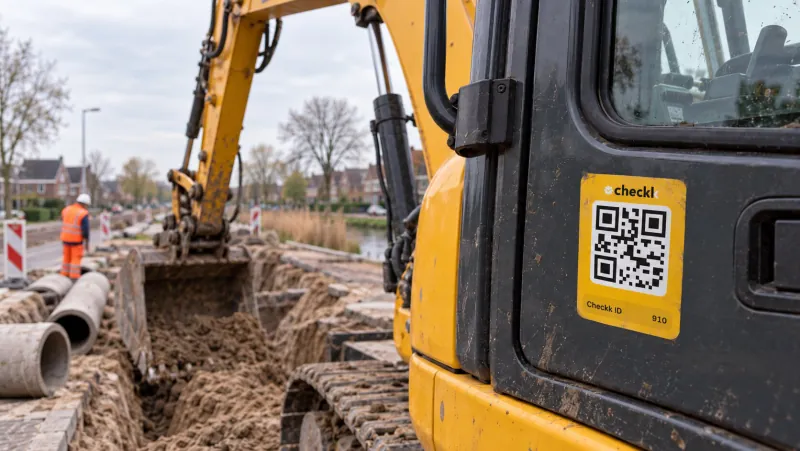
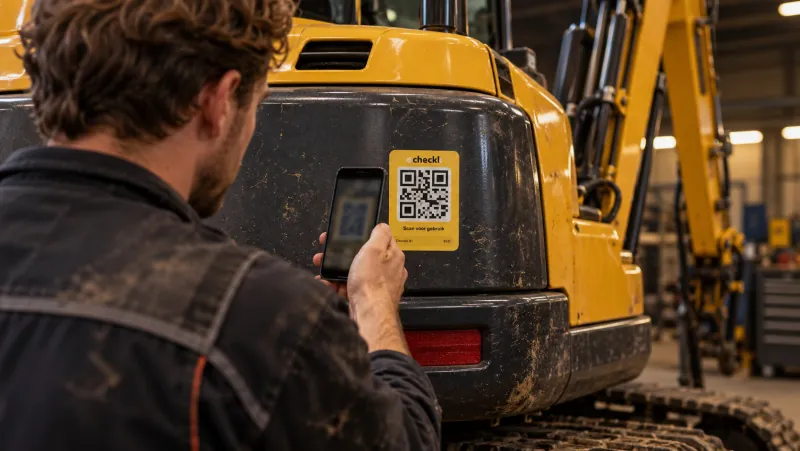
The operator scans the QR sticker on the excavator, crane or wheel loader and does the daily inspection on their own phone. Every failed item reaches the workshop straight away, with a photo.
What do you check in a daily inspection?
An example of items that are often part of a daily inspection. Always follow the manufacturer’s manual. In Checkk you put together the checklist per machine category yourself.
Excavator
- Oil, fuel or coolant leaks under and around the machine
- Hydraulic hoses, cylinders and couplings for damage
- Engine oil, hydraulic oil and coolant at the right level
- Tracks or tyres, the bucket and the teeth
- Quick coupler properly locked
- Lights, beacon, horn and reversing alarm
- Mirrors, cameras and windows intact and clean
- Seat belt, fire extinguisher and emergency stop
Mobile crane
- Load moment limiter and limit switches working
- Hoist rope, hook and safety latch undamaged
- Outriggers and outrigger pads
- Leaks and hydraulic hoses
- Tyres and tyre pressure
- Lights, horn and warning signals
- Crane log on board and inspection valid
- Fire extinguisher and emergency stop
Wheel loader
- Leaks and hydraulic hoses
- Tyres for pressure and damage
- Bucket, cutting edge and quick coupler
- Engine oil, hydraulic oil and coolant at the right level
- Brakes and parking brake
- Lights, horn and reversing alarm
- Mirrors and cameras
- Seat belt and fire extinguisher
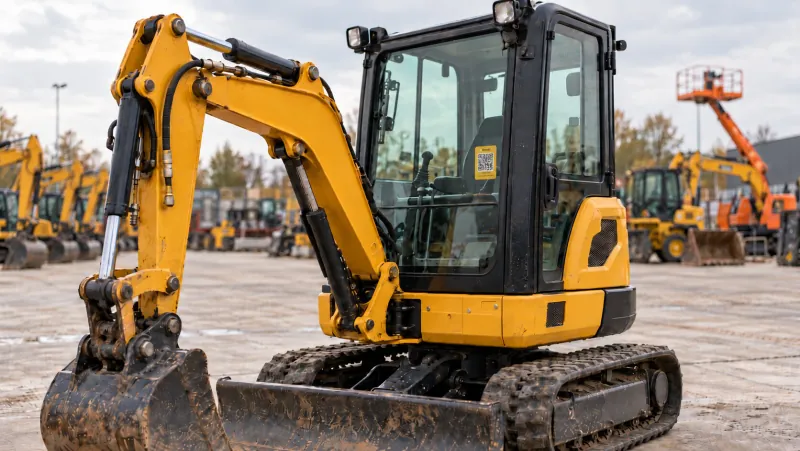
Mini excavator
- Leaks and hydraulic hoses
- Tracks and track tension
- Dozer blade and bucket
- Quick coupler properly locked
- Engine oil, hydraulic oil and coolant at the right level
- Protective canopy (ROPS/FOPS) undamaged
- Lights and horn
- Seat belt
Telehandler
- Load moment indicator working
- Forks or attachment properly locked
- Boom, wear pads and cylinders
- Tyres and stabilisers
- Leaks and hydraulic hoses
- Brakes and steering
- Lights, horn and reversing alarm
- Seat belt and fire extinguisher
The daily inspection with Checkk.
-
1
Scan the QR sticker
The operator scans the sticker or aluminium plate on the machine with their phone camera. No app, no account.
-
2
Go through the checklist
The checklist belongs to the machine category and also asks for the running hours. A photo is required for every deviation.
-
3
A failed item becomes a defect
Every failed item automatically becomes a defect. The right people get an email with a PDF straight away.
-
4
The workshop picks it up
The office turns the defect into a task for an in-house or external mechanic in one click. A completed task goes into the maintenance log.
Why stop doing the daily inspection on paper?
Forms get lost or only come in days later
A completed checklist is in the management environment straight away, with a name and a date.
A defect on paper gets left behind
A failed item immediately becomes a defect that the workshop sees and picks up.
You cannot show what was checked
Per machine you see every inspection, every defect and all maintenance in the logbook.
What is a daily machine inspection?
A short inspection the operator does before work: walking around the machine and looking for leaks and damage, fluid levels, tyres or tracks, lights and the safety features. That way you catch defects before they lead to downtime or an accident.
Does the daily inspection replace the periodic inspection?
No. The daily inspection is a check by the user. Periodic inspections by an expert are still required. In Checkk the inspection reports are also kept with the machine, in the document folders.
Can I use a separate checklist per type of machine?
Yes. You create checklists per machine category, with your own questions. A photo is required for every deviation. A new machine in a category gets the right checklist automatically.
How do I know the inspection was really done?
Every completed checklist has a name, a date and the running hours. With a personal PIN code per employee you know for sure who filled it in. The dashboard shows which checklists have been completed.
Does the inspection also work for operators who do not speak Dutch?
Yes. Checkk works in multiple languages. The operator picks their own language in the field app.

Book a meeting with Elroy
Elroy shows you how Checkk works with your machines, your checklists and your projects. You ask your questions to someone who knows the trade.