
PlanningModule
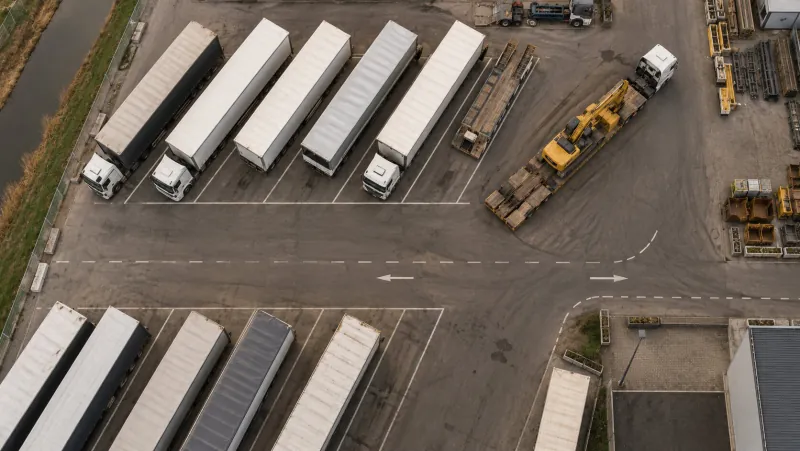
Which machine is where, this week and next month.
Schedule machines on projects in a visual timeline. Drag, extend or move bookings, without double bookings.
From hassle to control.
Without Checkk
- Planning on a whiteboard or in a separate spreadsheet
- Double-booked machines
- Project leads who do not know what is available
With Checkk
- One timeline with all machines and projects
- Double bookings are prevented
- The current planning is also in the master list
Features
What this module delivers
Visual timeline
Rows per machine, bars per project in the project colour, with week numbers.
Drag and extend
Move a booking, extend it or put it on another machine.
No double bookings
A machine cannot be scheduled twice at the same time.
Notes per booking
Operator, location and work for each booking.
Visible in the master list
The current planning of every machine is in the master list.
The master list shows per machine where it is currently scheduled.
How it works in the office
Planning with the mouse.
- 1Drag a machine to a project in the timeline
- 2Extend or move the booking
- 3Add notes for operator, location and work
Works together with

Book a meeting with Elroy
Elroy shows you how Checkk works with your machines, your checklists and your projects. You ask your questions to someone who knows the trade.