DefectsModule
Every defect reported, with photo, hours and location.
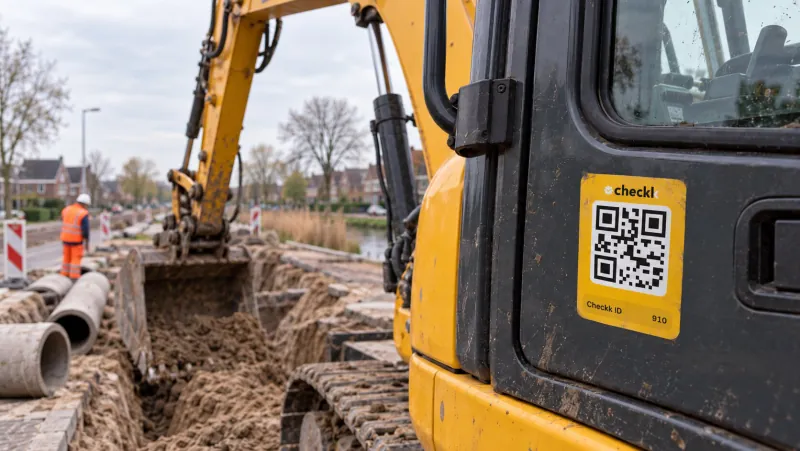
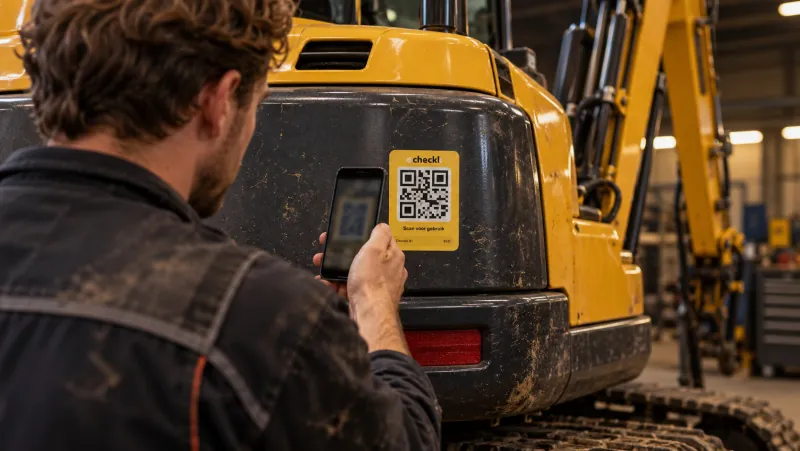
Operators report a defect via the QR code, or it is created automatically from a failed checklist item. The office turns it into a task in one click.
From hassle to control.
Without Checkk
- Verbal reports that get forgotten in the rush
- No photo, no running hours, no idea where the machine was
- No way to see whether a report has been picked up
With Checkk
- Report in a few taps, right after scanning
- Photos, running hours and location are included automatically
- A status per defect, linked to task and maintenance
Features
What this module delivers
Report via the QR code
Subject, description, type (failure, wear or damage), priority (low, medium or high) and photos.
Automatically from checklists
Failed items become a defect by themselves, traceable to the checklist item.
A task in one click
Turn the defect into a task and assign a priority and mechanic straight away.
PDF to the right people
A PDF per defect automatically, emailed to the recipients of the project and bundled per checklist.
Filters and Excel export
Search by machine, type, priority or period and export the overview.
From defect to task: choose a priority, assign a mechanic, done.
How it works in the app
Reported before the machine runs again.
- 1Scan the machine and choose Report defect
- 2Describe the defect and take a photo
- 3Submit: location and running hours are included automatically
Works together with

Book a meeting with Elroy
Elroy shows you how Checkk works with your machines, your checklists and your projects. You ask your questions to someone who knows the trade.