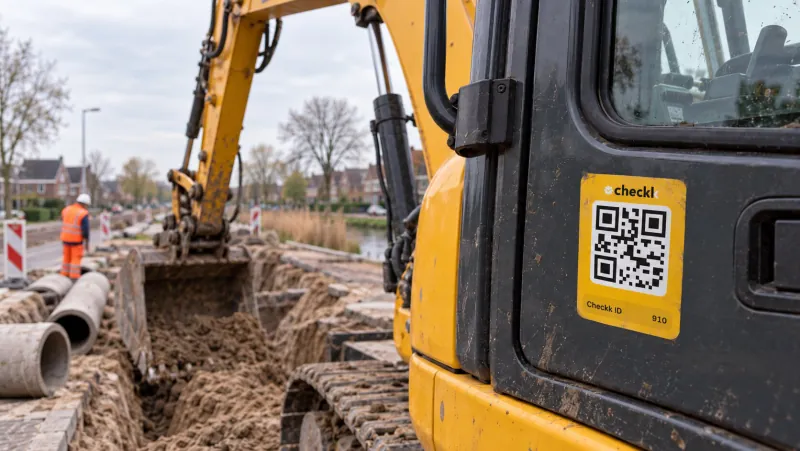
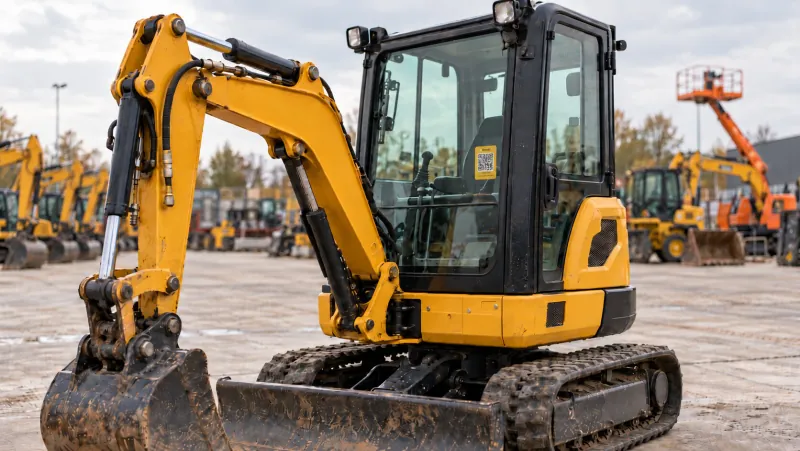
A unique QR code and a complete record for every machine.
Record your entire machine fleet in one register, from serial number to customs code. With a unique QR code per machine and a master list across all your projects.
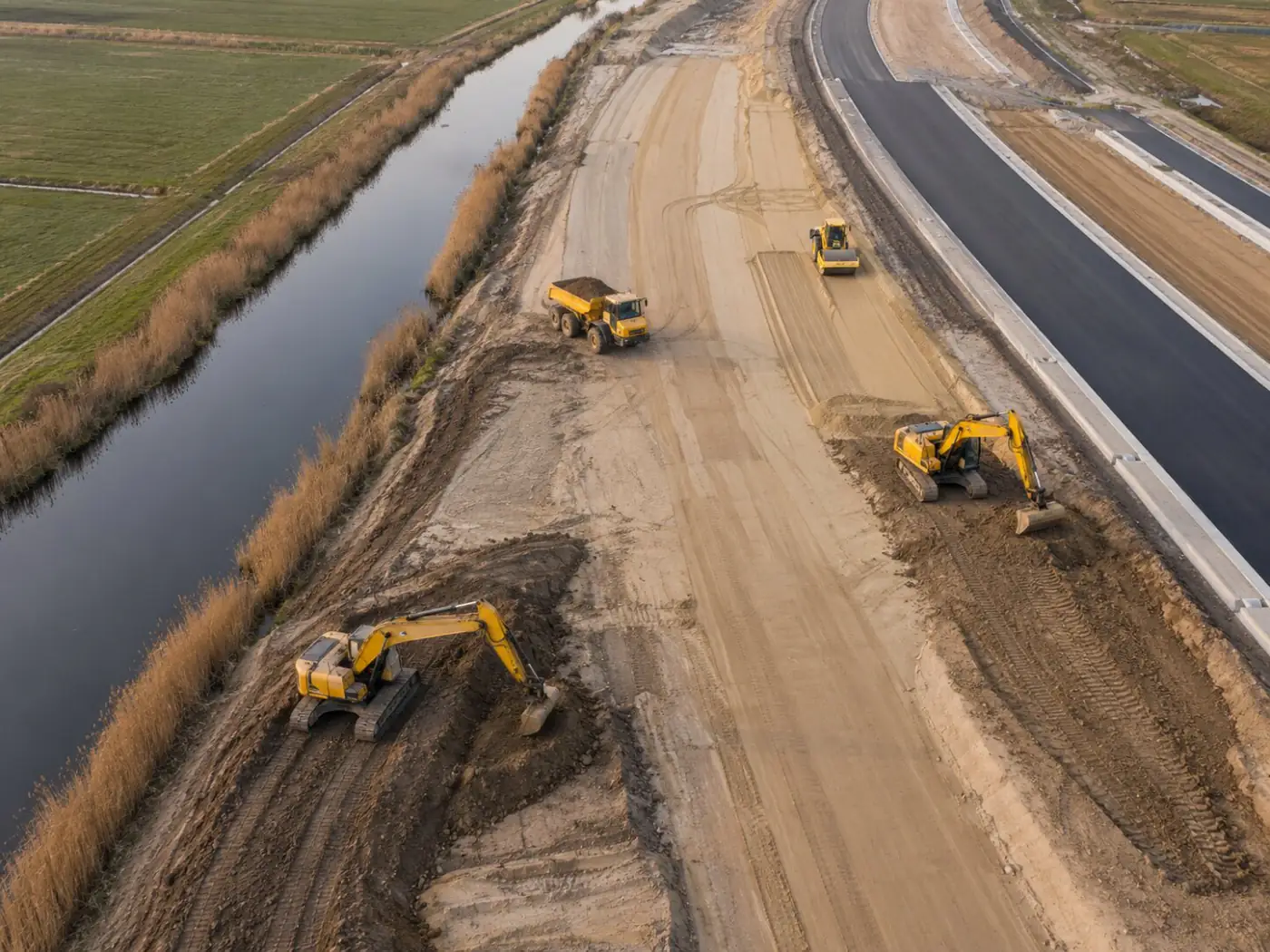
From hassle to control.
- Machine data scattered across Excel sheets and folders
- Nobody knows exactly which machine is on which project
- Typos in running hour readings
- One register, with your own attributes per category
- A master list with current planning and ownership, across all projects
- Plausibility check on running hours and kilometres
Everything you need, in the basis
Unique QR code per machine
As a sticker, in your own house style or on an aluminium plate. You can also generate them in bulk in advance.
Complete machine register
Number, serial number, licence plate, brand, category, year, photo, supplier, value, weight, dimensions and customs code. Status: active, inactive, in maintenance or decommissioned.
Main and sub-machines
Attachments sit under the main machine and move along when you move it to another project.
Owned and rented equipment
Keep track of rented machines separately, next to your own fleet.
Running hours with a check
A reading cannot be lower than the previous one or higher than is possible in the meantime. That prevents typos and fraud.
Last seen
Every scan records the position, so you can see where each machine was last.
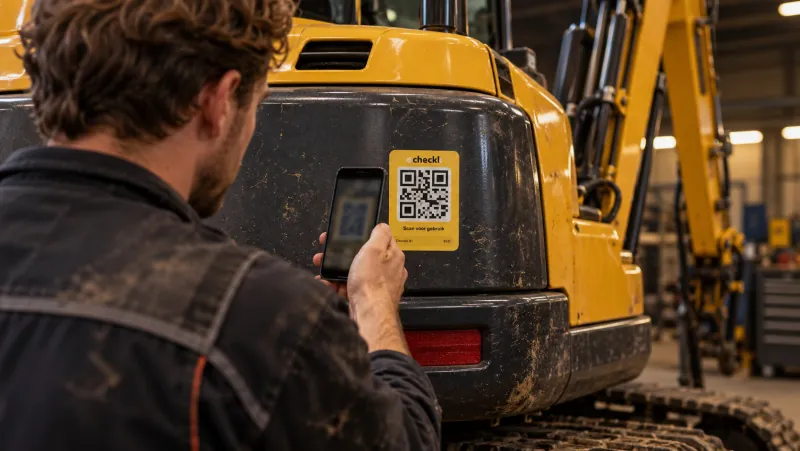
One scan, everything about the machine.
- 1Scan the QR sticker with your phone
- 2See brand, year and running hours
- 3Choose what you want to do: checklist, maintenance, defect or damage
Works together with

Book a meeting with Elroy
Elroy shows you how Checkk works with your machines, your checklists and your projects. You ask your questions to someone who knows the trade.